 buddi

Before anything that matters
They check with you first.
Each helper only gets the tools its job needs. Sending an email, moving a meeting, paying for anything: it stops and asks, on your Mac or on your phone, and nothing happens until you say so.
buddi reads your news, your mail and your calendar while you sleep and tells you the three things that matter, on your phone, at 7:30. Then it keeps an eye on the rest of your day.
A small team of helpers that runs on your own Mac. Free. It uses the ChatGPT or Claude plan you already pay for, or a free model to start.
macOS 14 or newer, Apple silicon and Intel. Nothing else to install, no account. Linux: one line in a terminal, below. Windows: a setup file, below.
You didn’t ask. Your morning helper works on its own schedule, on the computer that runs buddi.

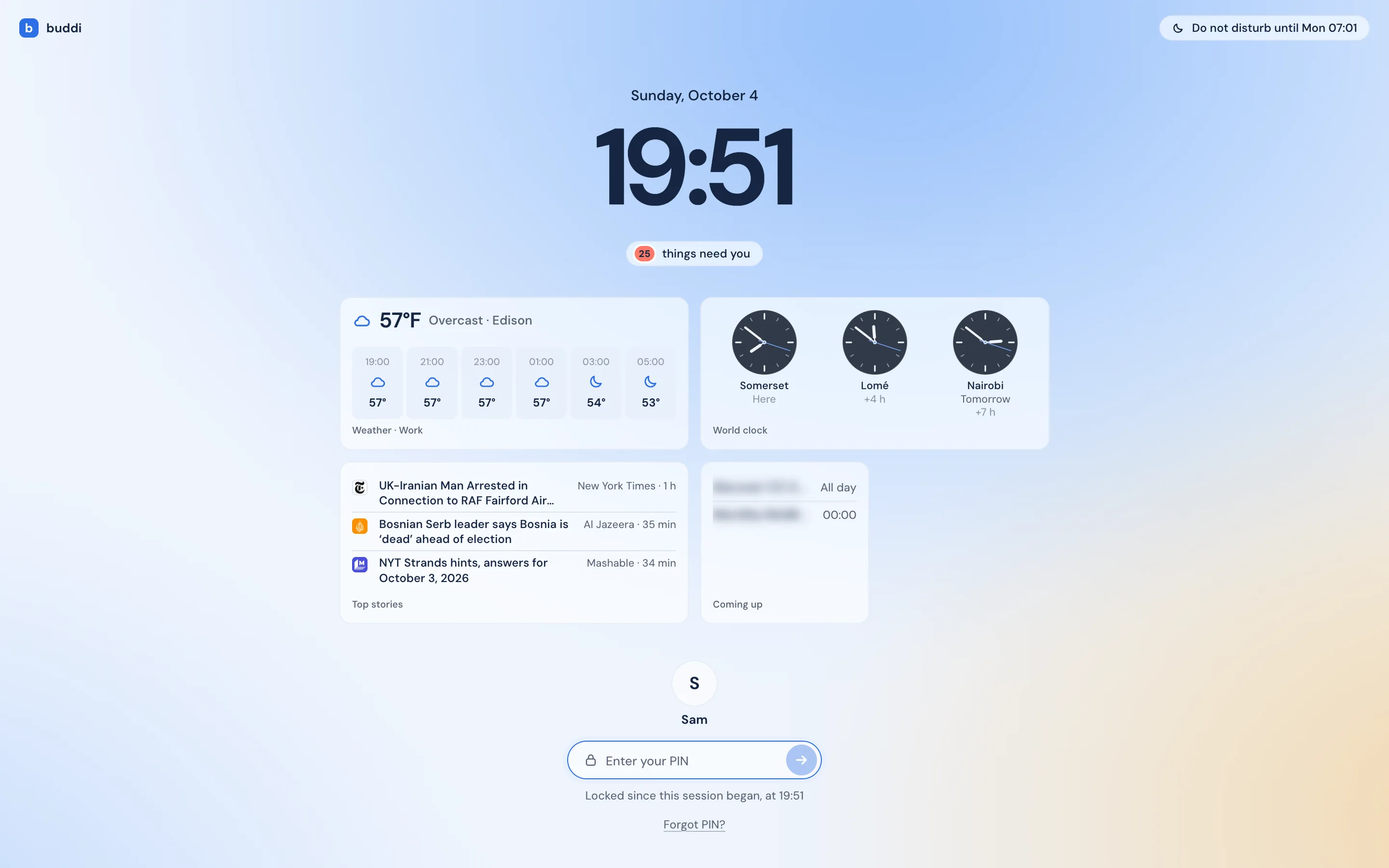
It works while your Mac is awake; the morning edition is ready when you are. A closed laptop catches up when it opens.
Chat, the Canvas where they work, rooms for a job, and the pages your helpers bring.
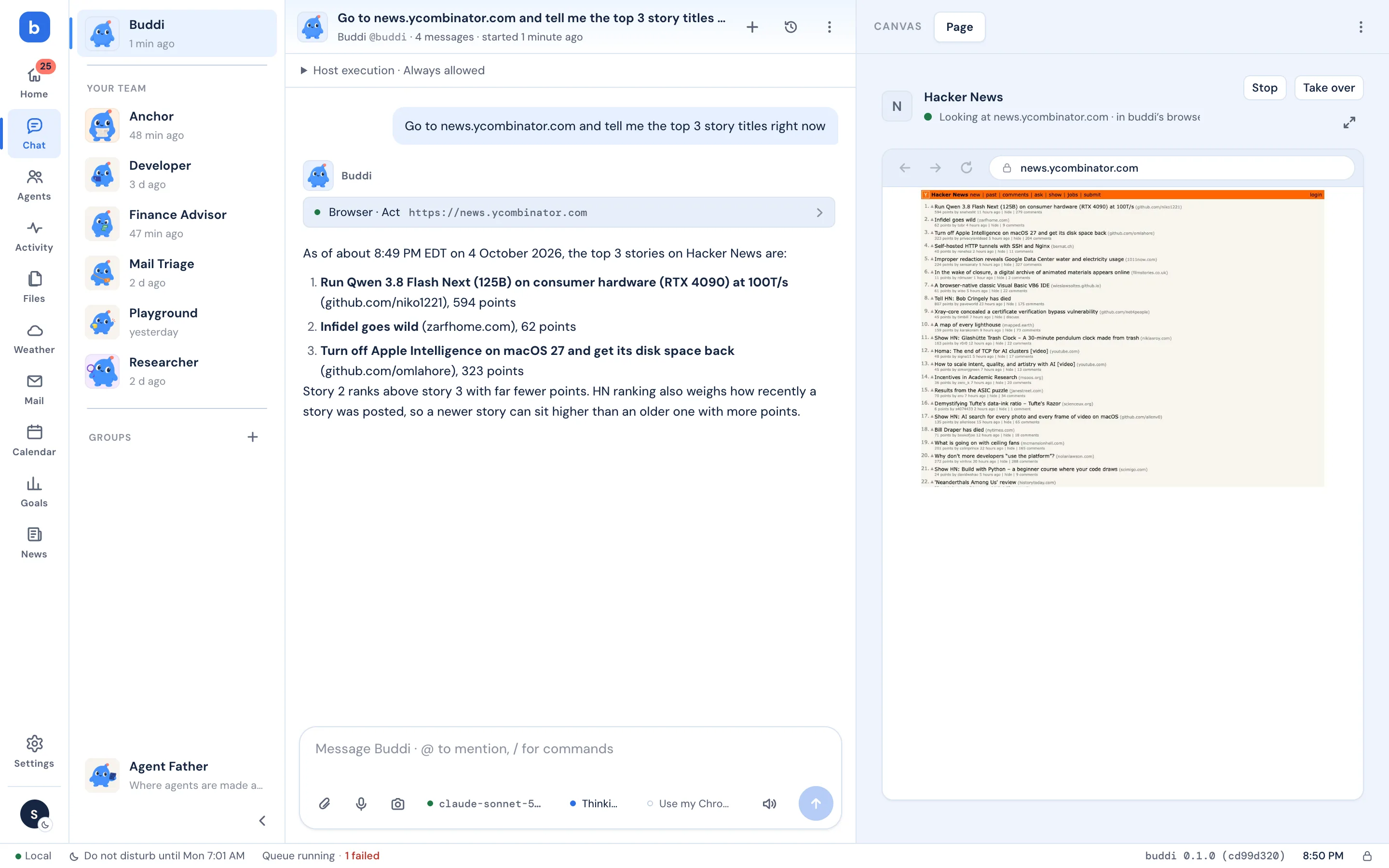
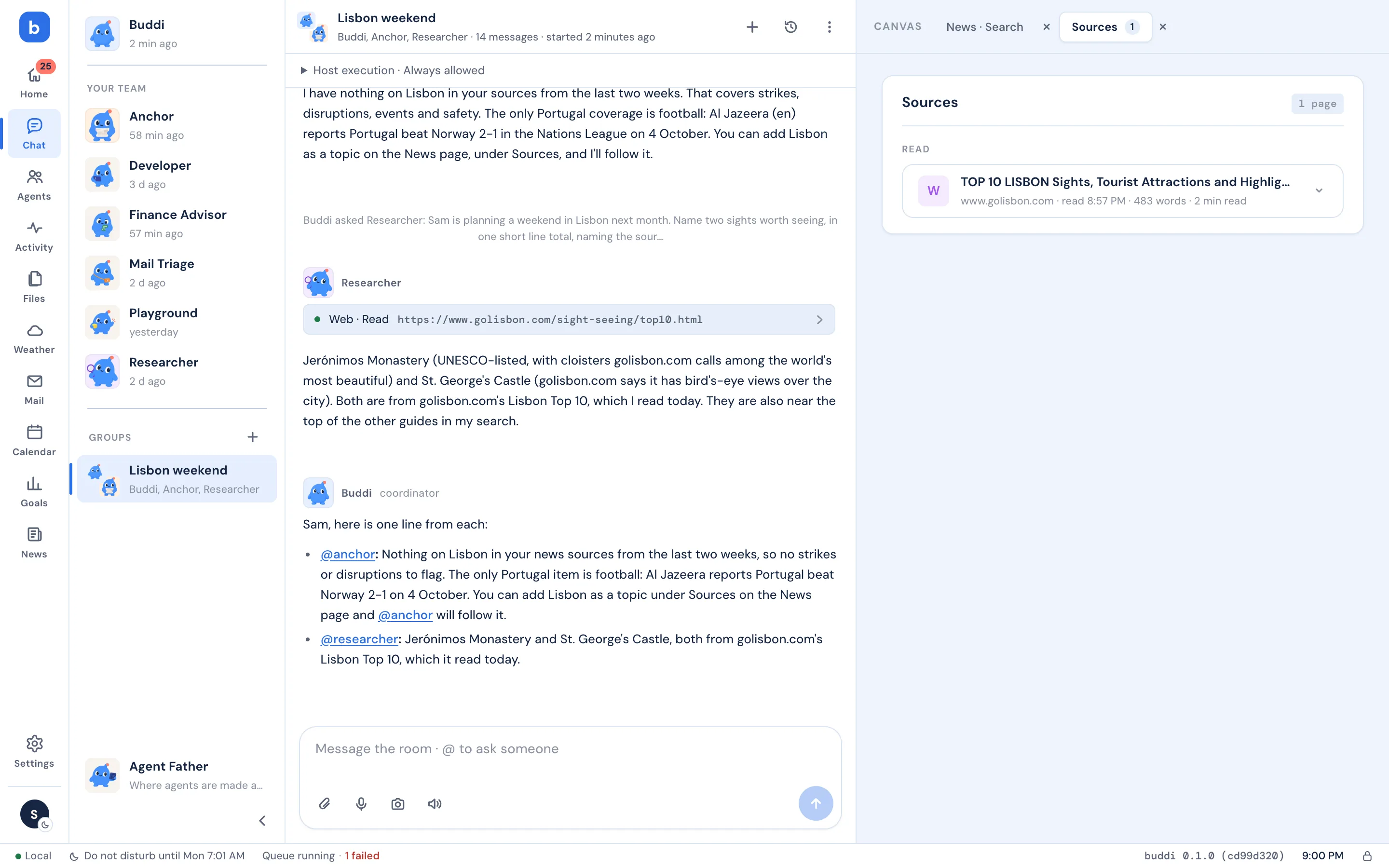
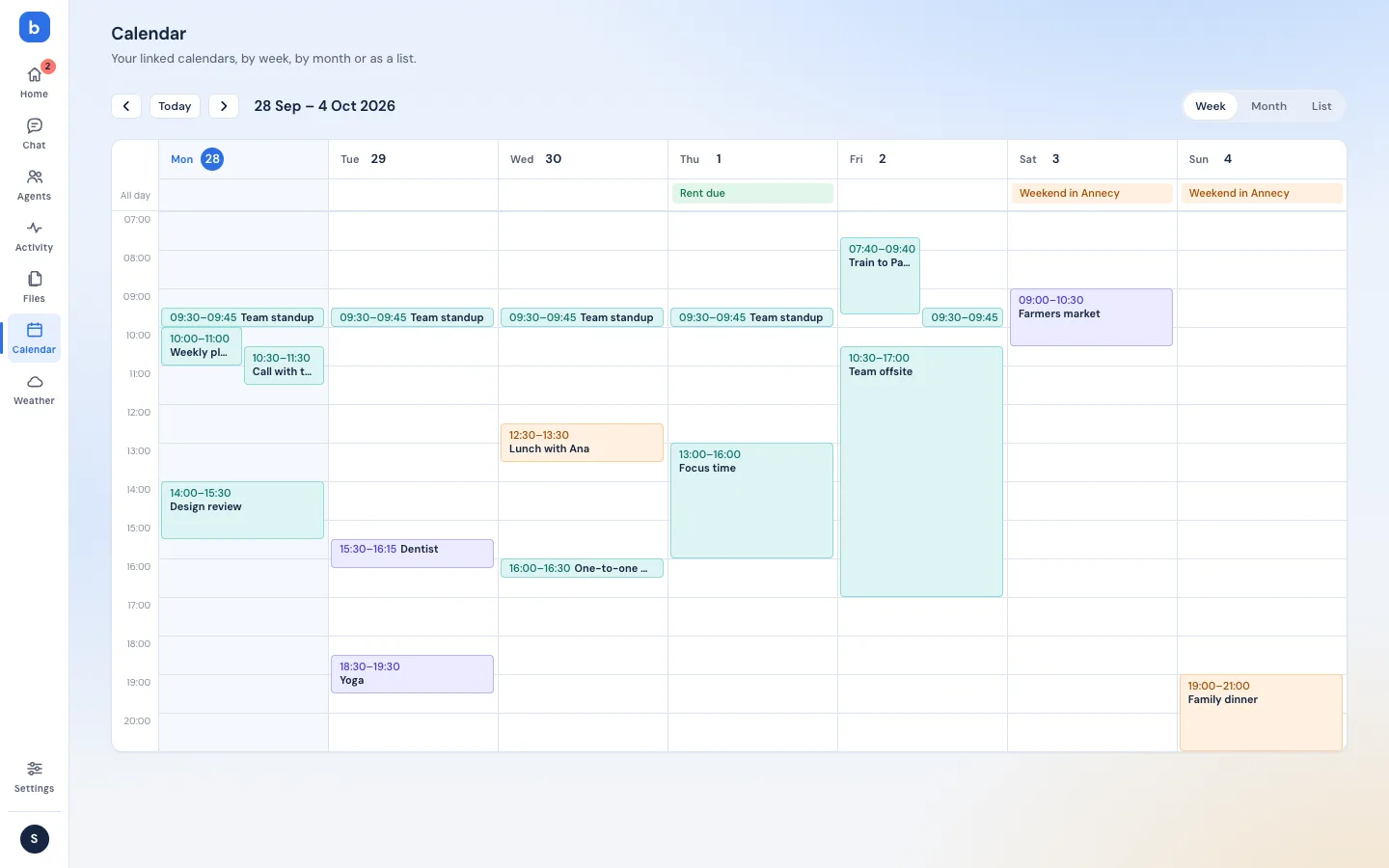
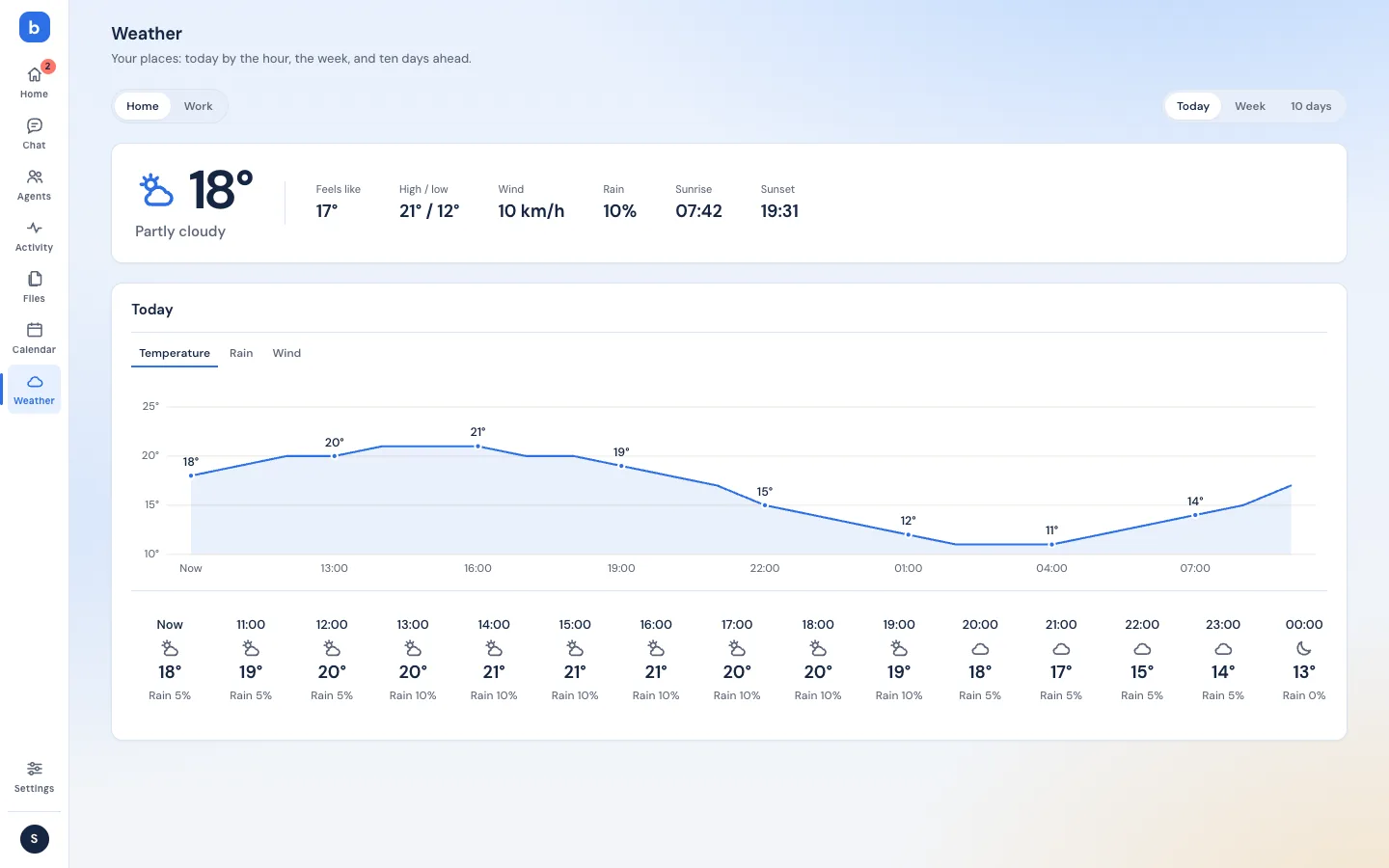
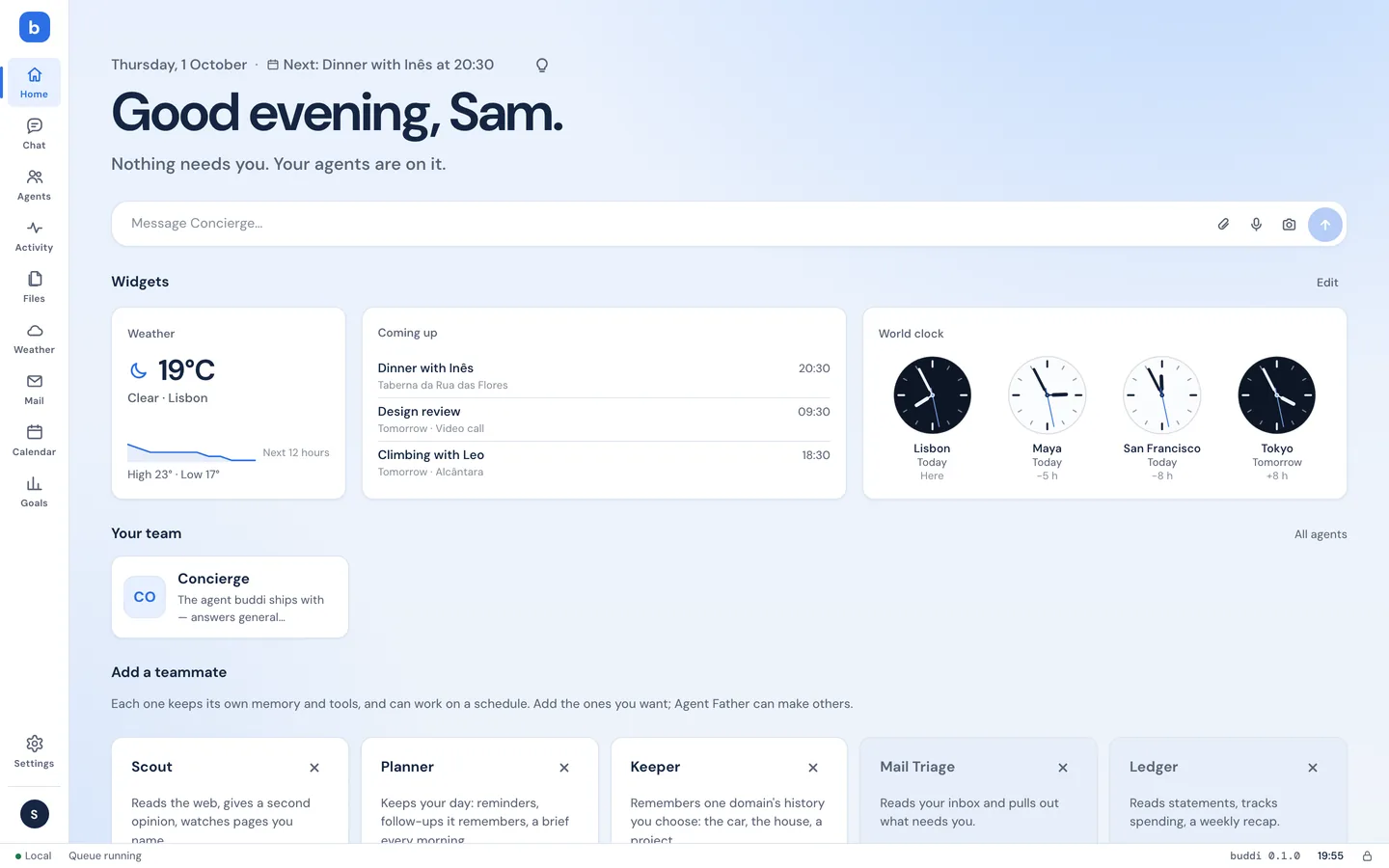
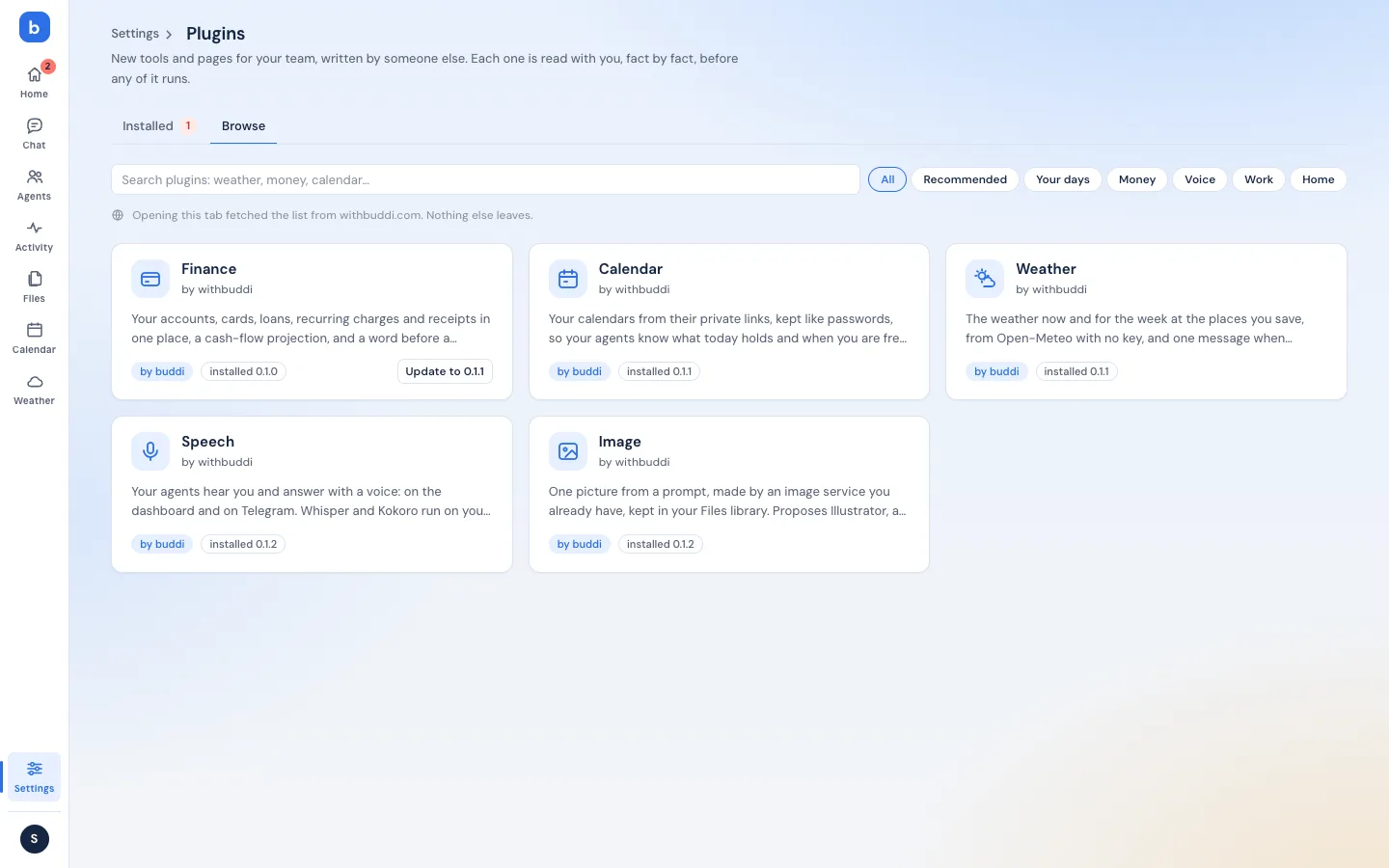
Start with buddi: ask it anything, it answers or hands the job to the right helper. Add helpers for the parts of life you’d like help with. One approval each, and you can let any of them go.

“Your 10:00 moved to 10:30; I told Ana. Friday’s review is still unconfirmed, want me to chase it?”

“Morning edition: five stories, two from Paris.”

“Leeks and eggs left. Quiche tonight? Shopping list for the weekend is in your files.”

“Here’s a shorter version of your email to the landlord, same points, half the words.”
More on the team page: CFO, Coach, Tutor, Travel Planner, Home Manager, Researcher… Or describe a job in your own words and buddi writes a new helper for you to approve.
Explore the teamTheir own, or yours with permission, and your Mac when a task needs it. Every click that matters comes to you first.
A tool missing, an API down: they try the browser, ask a colleague, check your connections, and come to you only when they are stuck.
On your Mac at home, on your phone from the train. Trusted access keeps it private, no port forwarding.
What you told them, what you decided, the skills they picked up along the way.
You don’t need to know who does what. Tell buddi what’s on your mind and it brings in whoever can help, like a good front desk would.
Each helper only gets the tools its job needs. Sending an email, moving a meeting, paying for anything: it stops and asks, on your Mac or on your phone, and nothing happens until you say so.
Your preferences, your people, where you left off. You don’t repeat yourself.
The morning edition at 7:30, a recap on Sundays. They show up without being asked.
Connected to your mail, calendar and files, so a plan turns into a draft, a reminder, a list.
Conversations, memory, files, passwords: in a private database on your computer. No buddi servers hold your stuff, and there is no tracking. Here’s exactly where things go.
Want nothing to leave the Mac? Pick a local model (Ollama) and your requests stay home too.
Download, open, and buddi walks you through five short steps: your name, which AI, what to take on, your phone, your assistant. About five minutes.
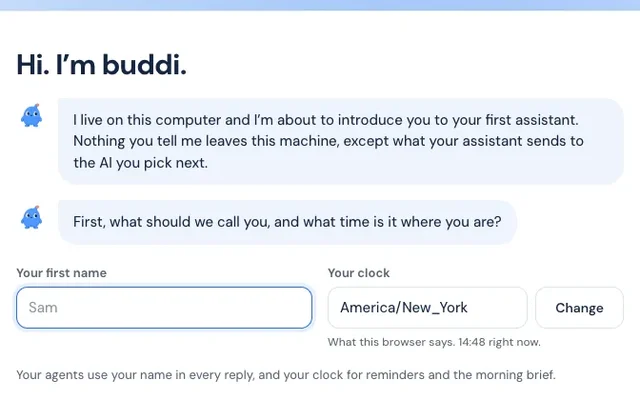
Your name and your time zone.
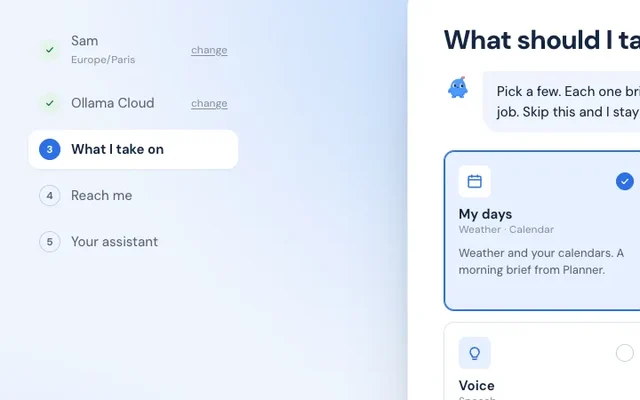
Sign in with ChatGPT or Claude, paste a key, or start free with a cloud model.
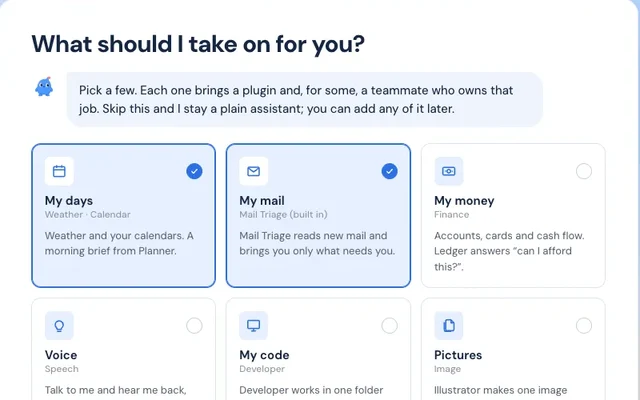
Mornings, mail, money, voice. Each one adds a helper.
Scan a code; the morning edition lands there.
Windows 10 or 11, 64-bit, and Windows 11 on ARM. One setup file: it installs for you alone, needs no administrator, and brings the app with its window and tray icon.
It is not signed yet, so Windows warns you once. Edge may say the file is not commonly downloaded: keep it. Then “Windows protected your PC”: choose More info, then Run anyway.
Download for WindowsUbuntu, Debian, Fedora and most others, Intel or ARM. One line in a terminal: it brings its own Node and database, needs no sudo, starts with the computer and opens the dashboard.
wget -qO- https://withbuddi.com/install.sh | shcurl -fsSL https://withbuddi.com/install.sh | shThen, for a window and a tray icon, the desktop app. It opens the buddi that line installed. The .deb is for Ubuntu 22.04 or newer and Debian-likes; the AppImage for the rest.
The install guideSomeone comfortable with computers can install it for you in ten minutes; after that you never touch the terminal.
Email them the stepsEarly access: expect rough edges, and tell us about them.
Short answers. The docs have the long ones.
Yes. buddi is open source and asks nothing. The AI you choose bills you as usual; with the free cloud model or a local model, nothing at all.
No. Download, open, follow five steps. If you’d rather not, ask a friend: the page above has the steps to send them.
Nothing runs. The morning edition is made when the Mac is awake; a closed laptop catches up when you open it. A spare Mac mini or a small Linux box makes it always-on.
Conversations, files, memory and passwords stay in a private database and vault on your computer. When a teammate uses a remote AI, the context it needs for that request goes to the provider and model you chose; pick Ollama and even that stays home.
The one you pick, teammate by teammate: Anthropic, OpenAI, Ollama on this computer, or any OpenAI-compatible service. Bring an API key, or sign in with a Claude or ChatGPT subscription you already have.
It runs on a Mac, on Linux and on Windows 10 or 11, each with a desktop app. It reaches you on your phone through Telegram, so the phone needs nothing installed.
Read: your news, your mail, your calendar, the web. Anything that sends, changes or spends stops for your approval, every time or once, as you decide.
No. It’s early access and changes every few days. Updates arrive inside the app and ask you first.
Yes, and nothing moves: the app uses the same data folder and the same keychain entries. Open buddi.app; it notices the npm copy running in the background and asks “Run your buddi from the app?”. Take Over stops that background service and runs the same buddi, with your agents, chats, settings and passwords where they were. Afterwards remove the npm copy whenever you like: npm rm -g @withbuddi/buddi.
Quit buddi.app and move it to the Trash. Then install the package and start its service: npm install -g @withbuddi/buddi, then buddi service install. It finds the same data folder and carries on. The same path moves a buddi to a Linux box: buddi backup create here, restore there.
When a new buddi is out, the app’s menu and Settings → System show “Update to …” with the notes; one click installs it, verified against the signed release, and restarts buddi between tasks. The app itself updates through Sparkle. From npm it is the same button in Settings → System. If you installed the app with Homebrew (brew install withbuddi/tap/buddi), brew upgrade buddi works too.
It is signed with a Developer ID and notarized by Apple, so macOS opens it without a warning. Everything inside is the same open source buddi published on npm, with its provenance recorded on GitHub.
It can, but that is not what it is for. buddi runs your days the way a good team runs an office: mail, money, calendar, errands, the web. For a codebase, use a coding tool. buddi will happily talk to one.